Installing and Configuring NextClaimer (E-Kache) on an Exchange Server
Simplify your business processes with time-saving features, superior performance, and a user-friendly interface.
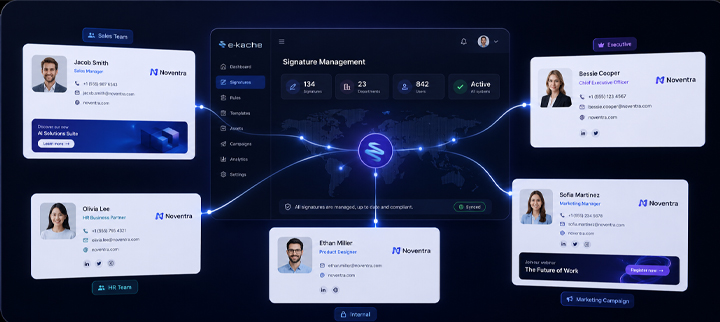
Centralized Signature Management
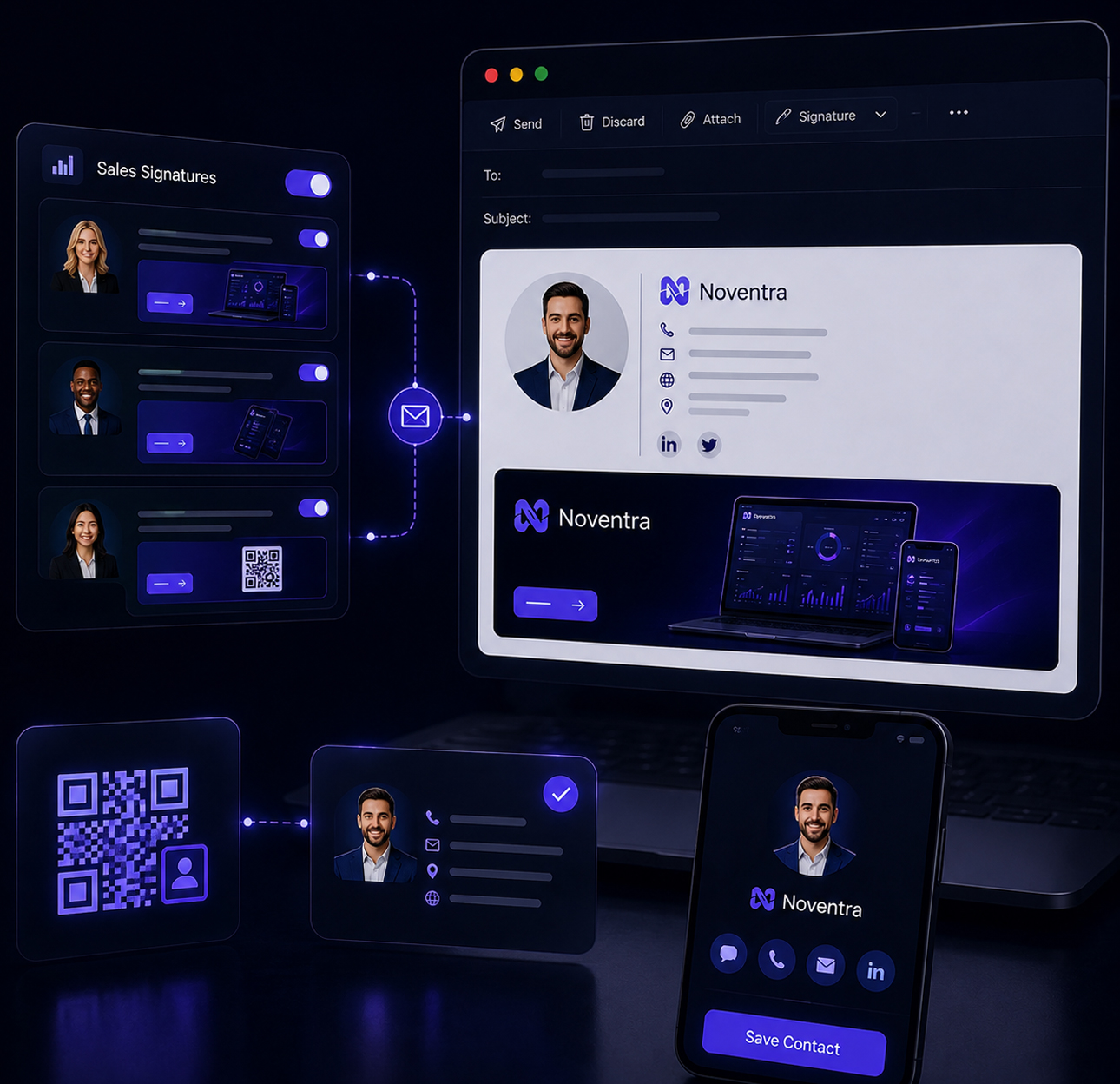
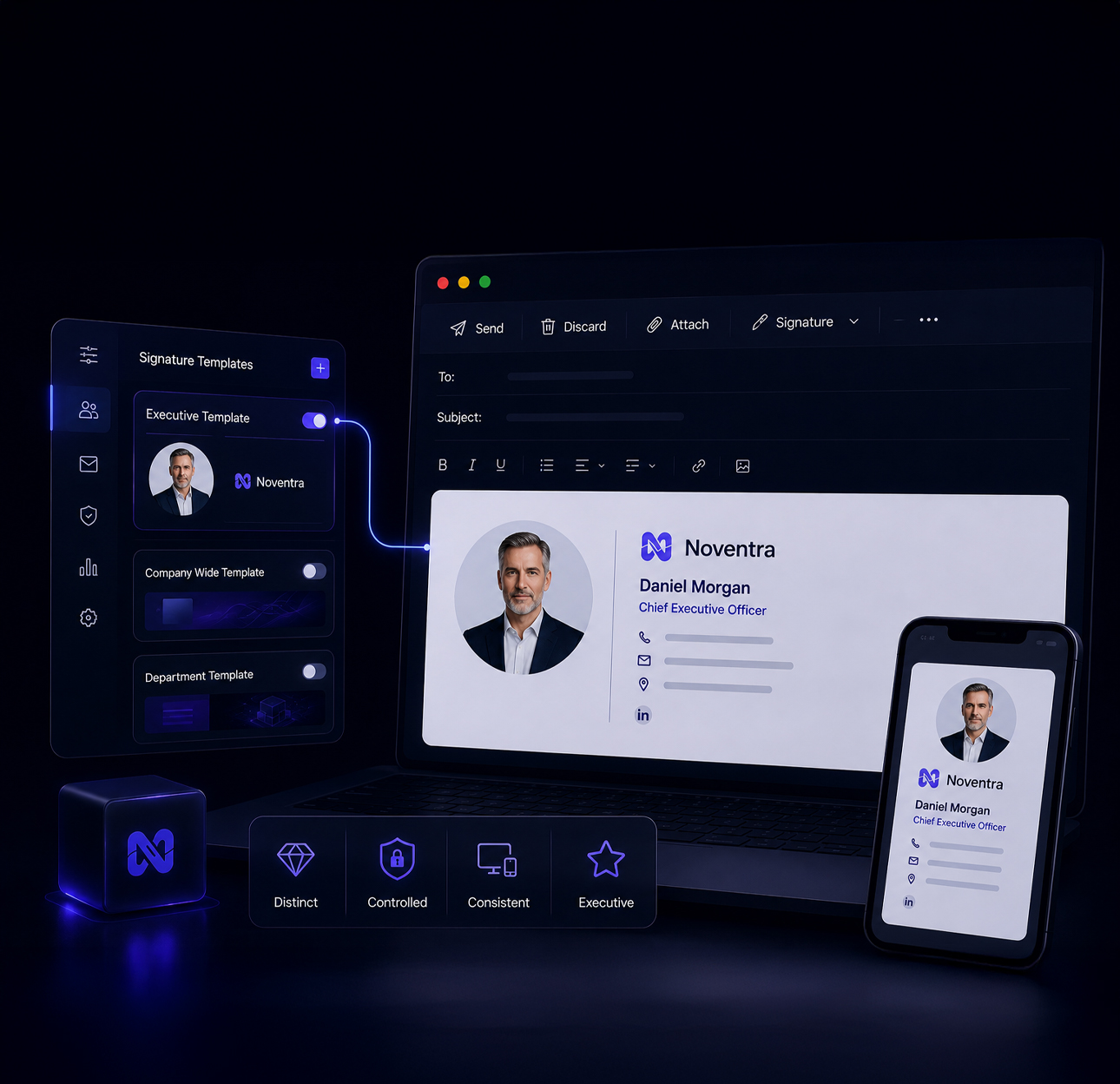
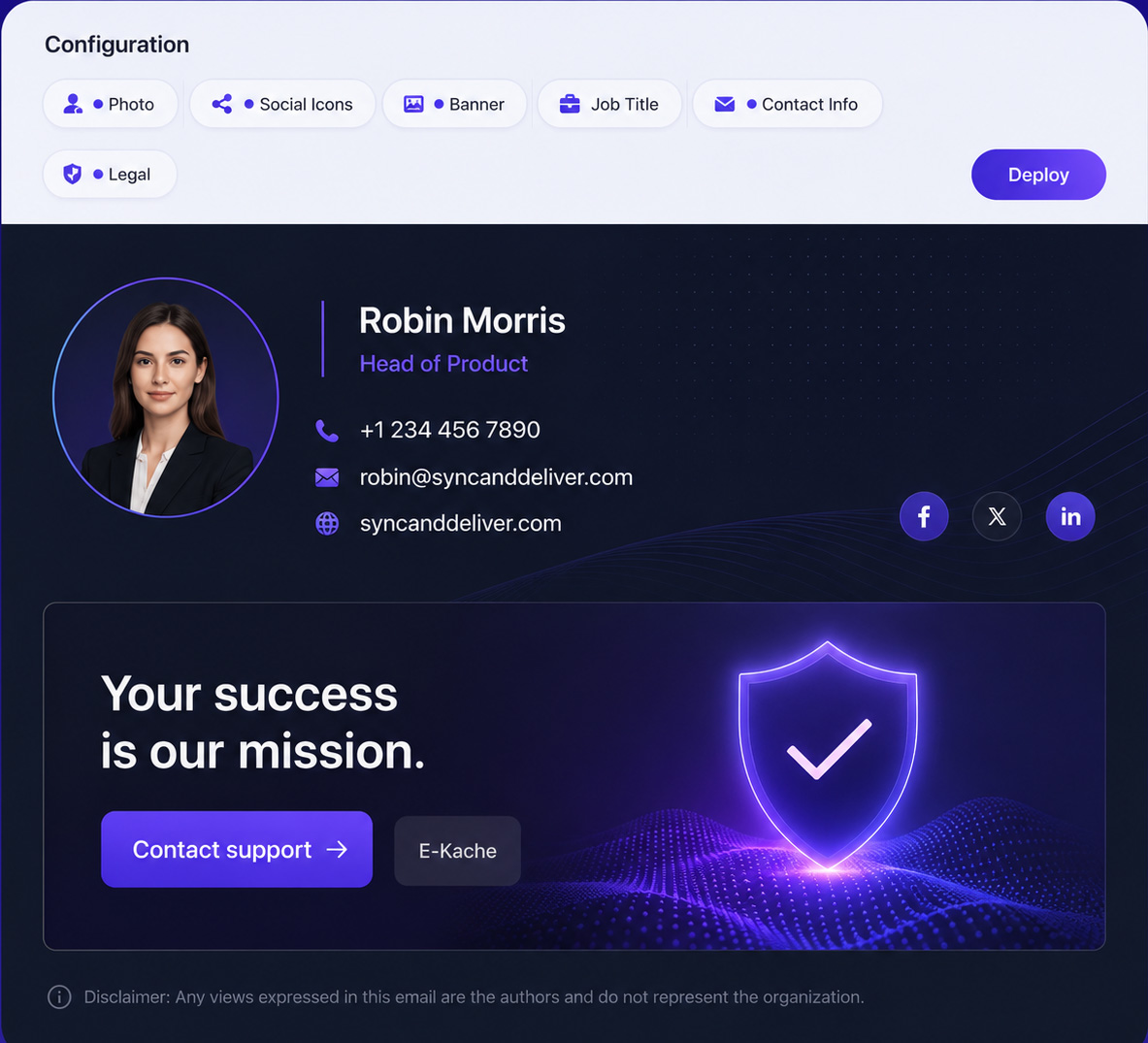
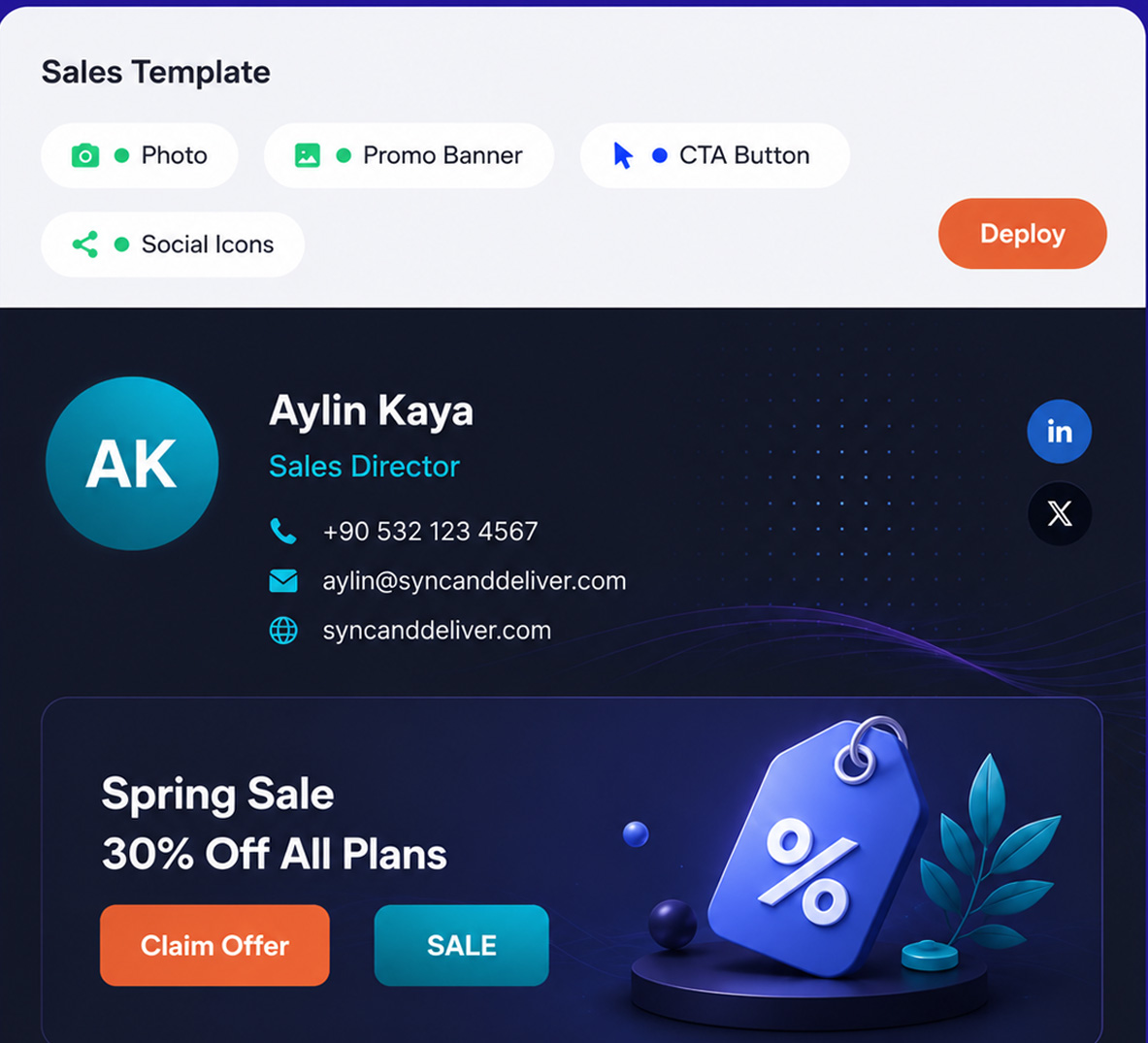
Create different email signatures for internal and external messages. Customize signatures based on department, AD groups, or even a single user. Add product banners for your Sales team, while keeping Executive signatures clean and minimal. Full control, full flexibility.
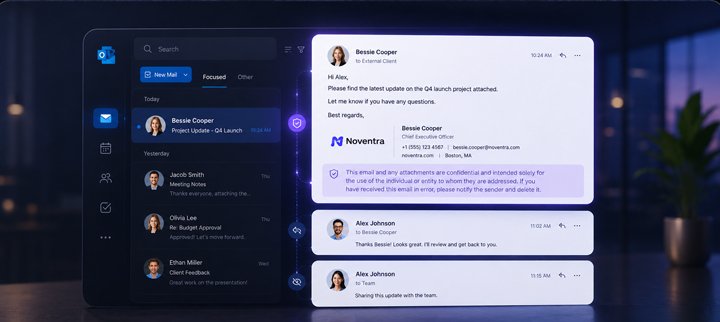
Flexible Disclaimer Rules
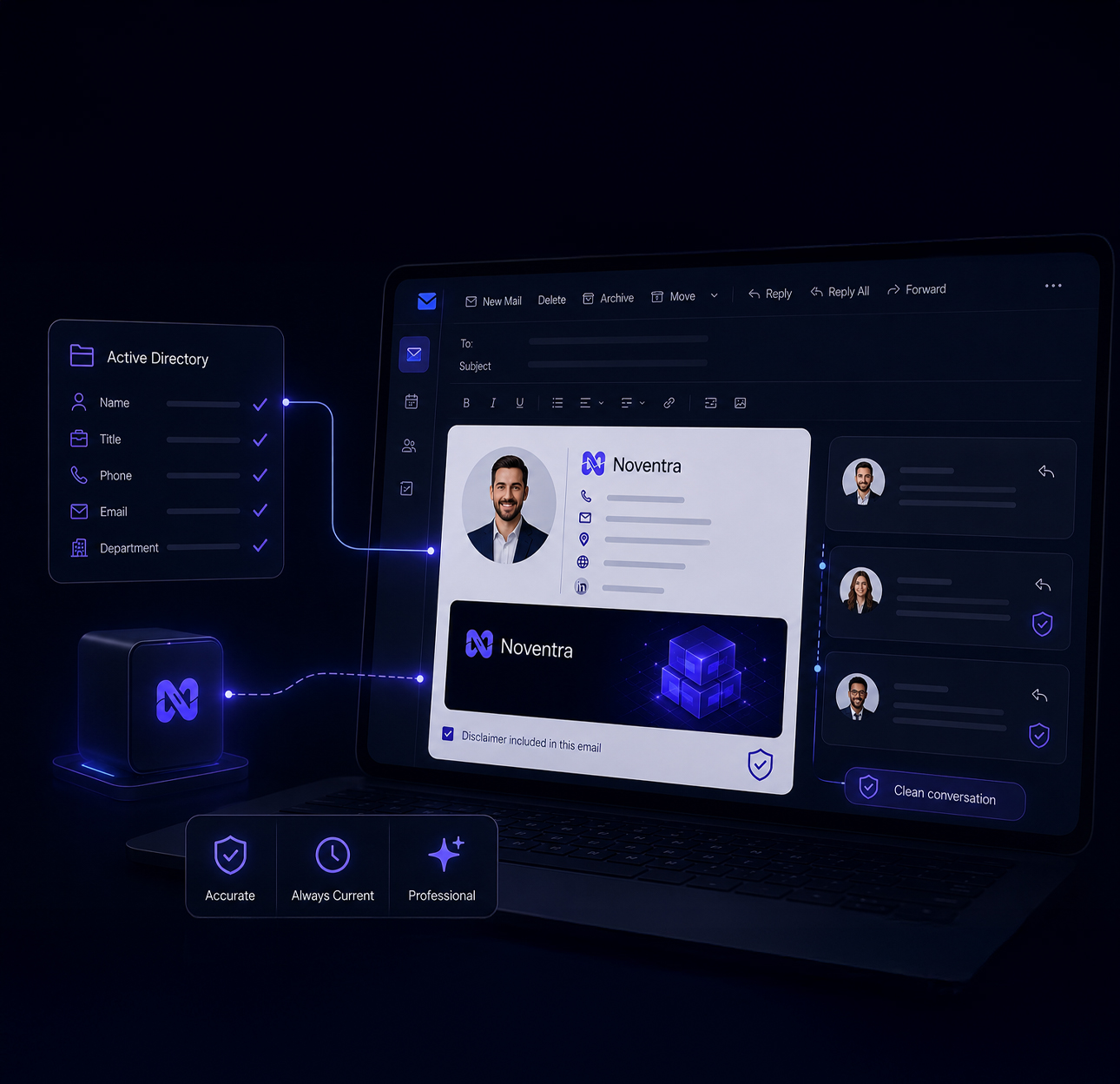
Disclaimers are important—but they shouldn't dominate your emails. With our flexible conditions, you can show the disclaimer only in the first email, and skip it in replies or forwards. Smart visibility, smarter conversations.
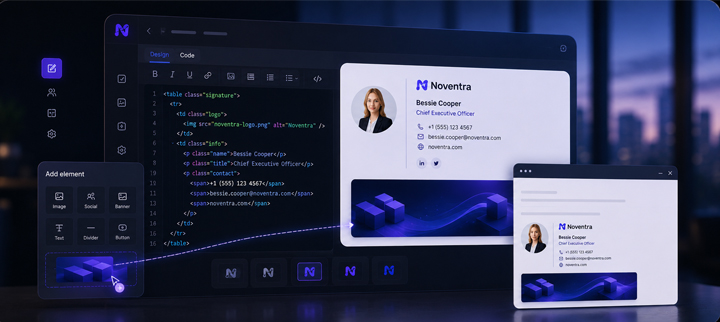
Smart Signature Editing
Use our built-in HTML editor or drop in your own code to create or adapt email signatures effortlessly. Whether you're building from scratch or continuing an existing design, you’ll get there in minutes.
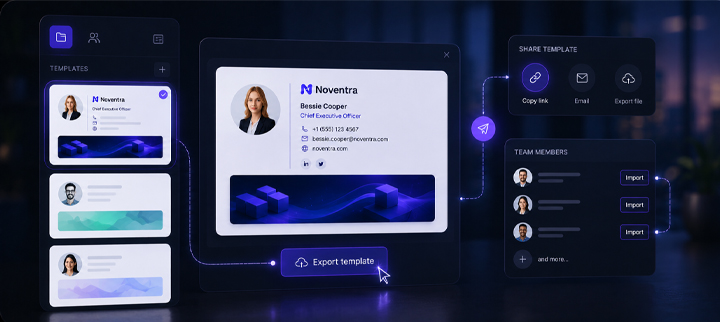
Shared Signature Templates
Want to share a template with your team or another company user? Export it with one click and allow others to instantly import it into their own NextClaimer (E-Kache) workspace. Seamless collaboration at its best.
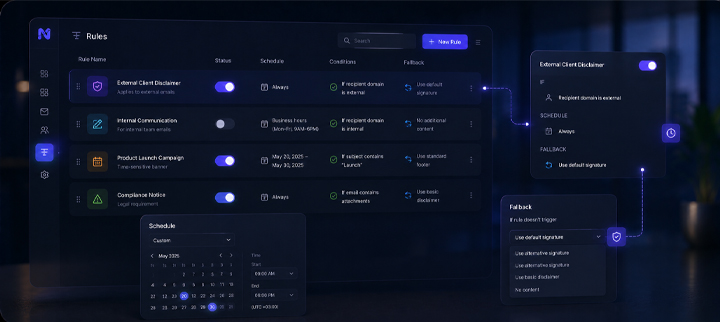
Advanced Rule Management
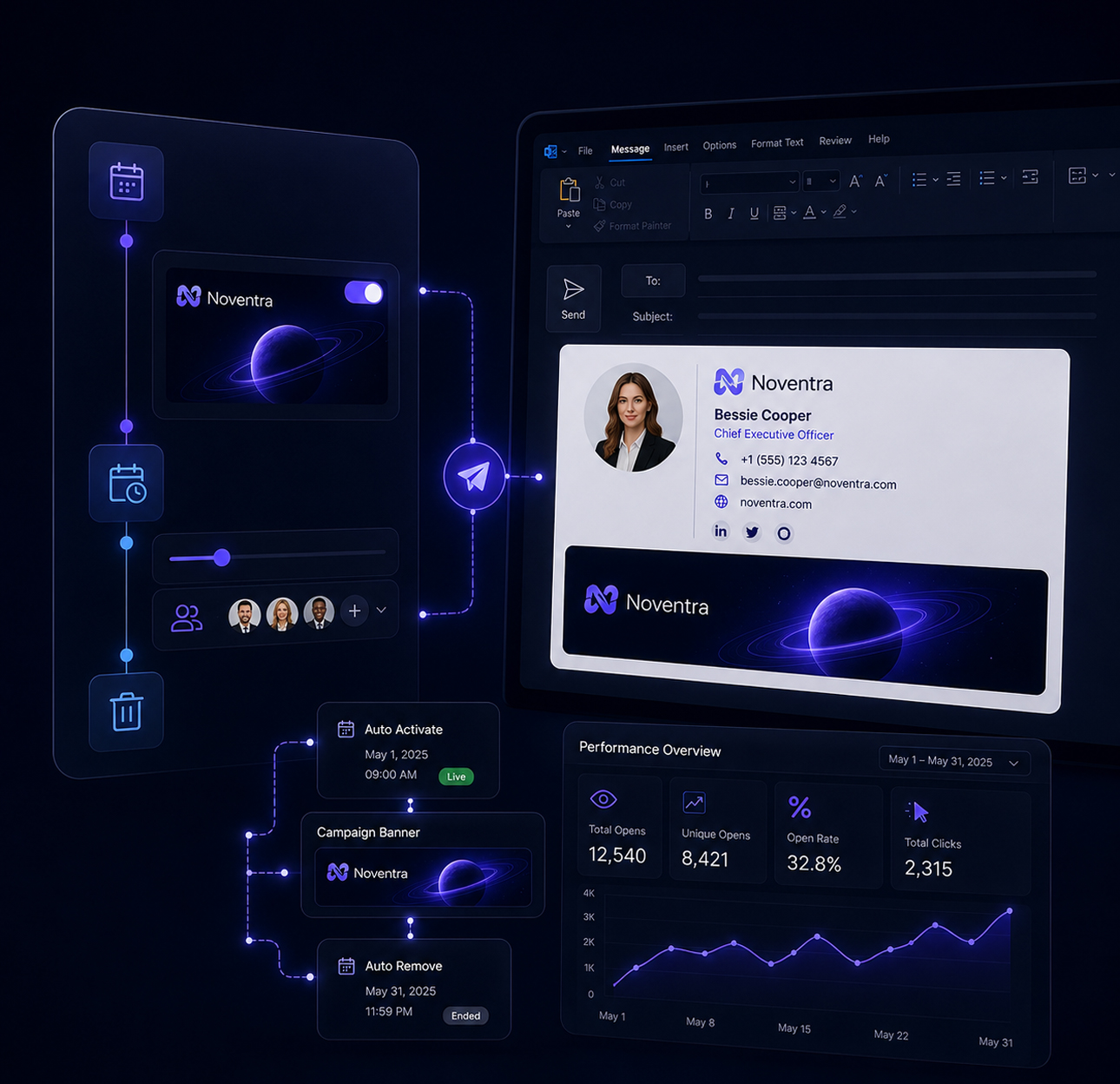
Enable or disable any rule at will. Schedule rules for specific dates and times. Set fallback conditions if a rule does or doesn’t trigger. Our intuitive rule management makes complex logic feel simple.
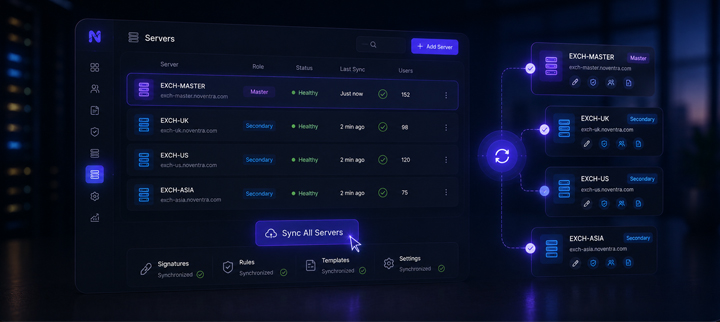
Centralized Server Sync
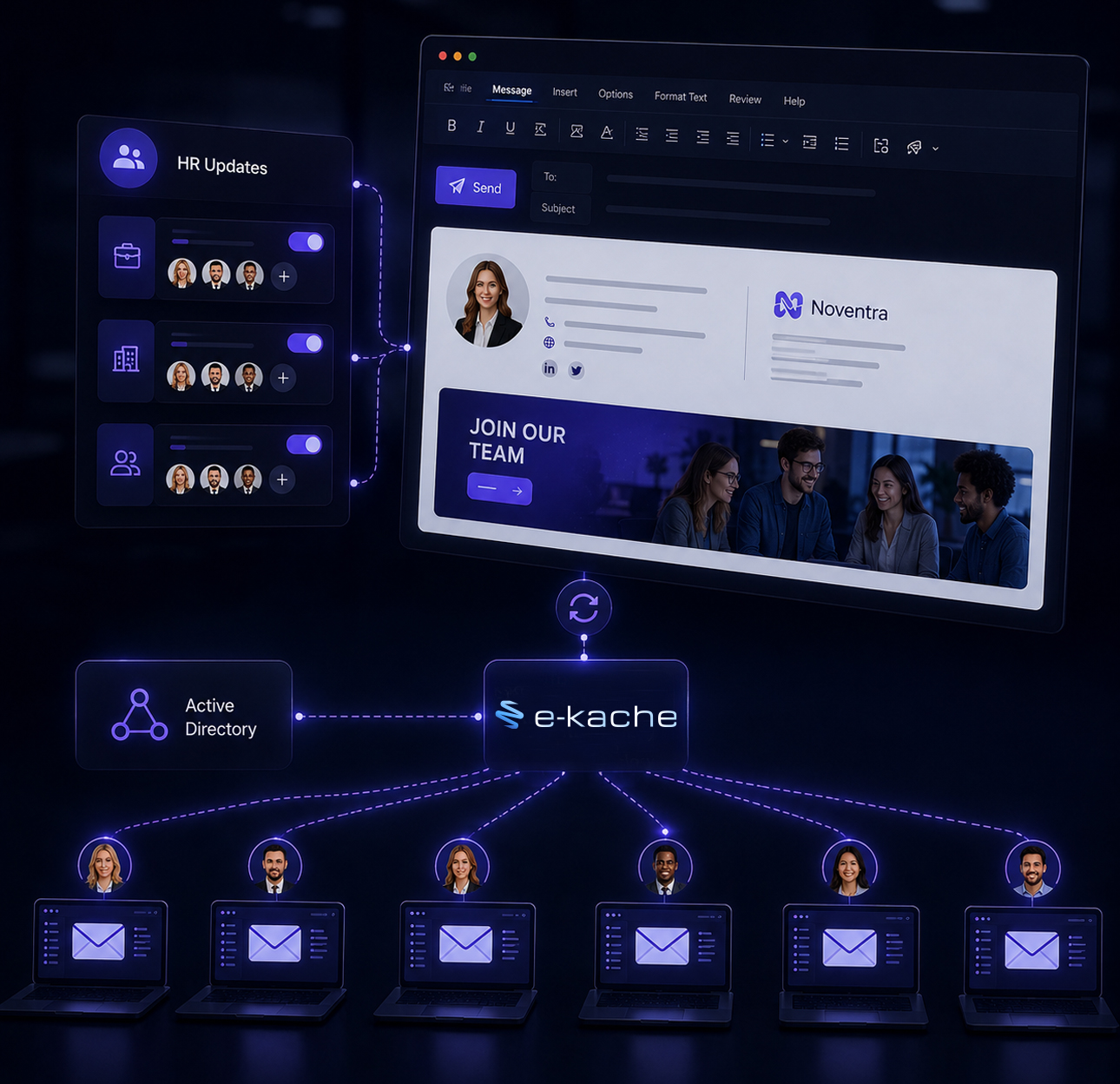
Manage multiple Exchange servers effortlessly. Set one as the master and synchronize all settings—signatures, rules, templates—to others in one click. One center of control, unlimited reach.
Built for IT, Designed for impact
Seamlessly manage email signatures while empowering every message across your organization.
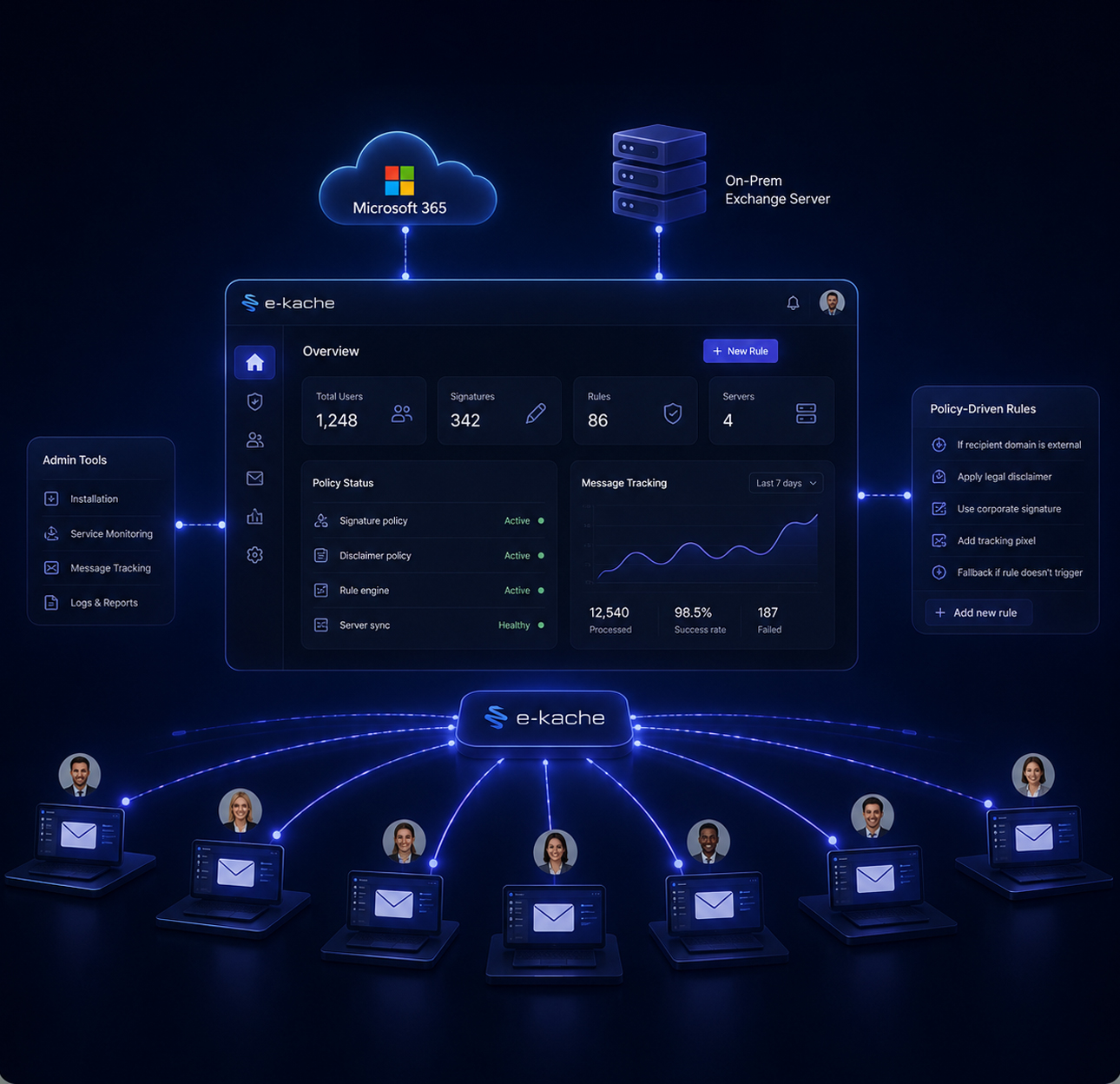
Central Control, Zero Client Dependency
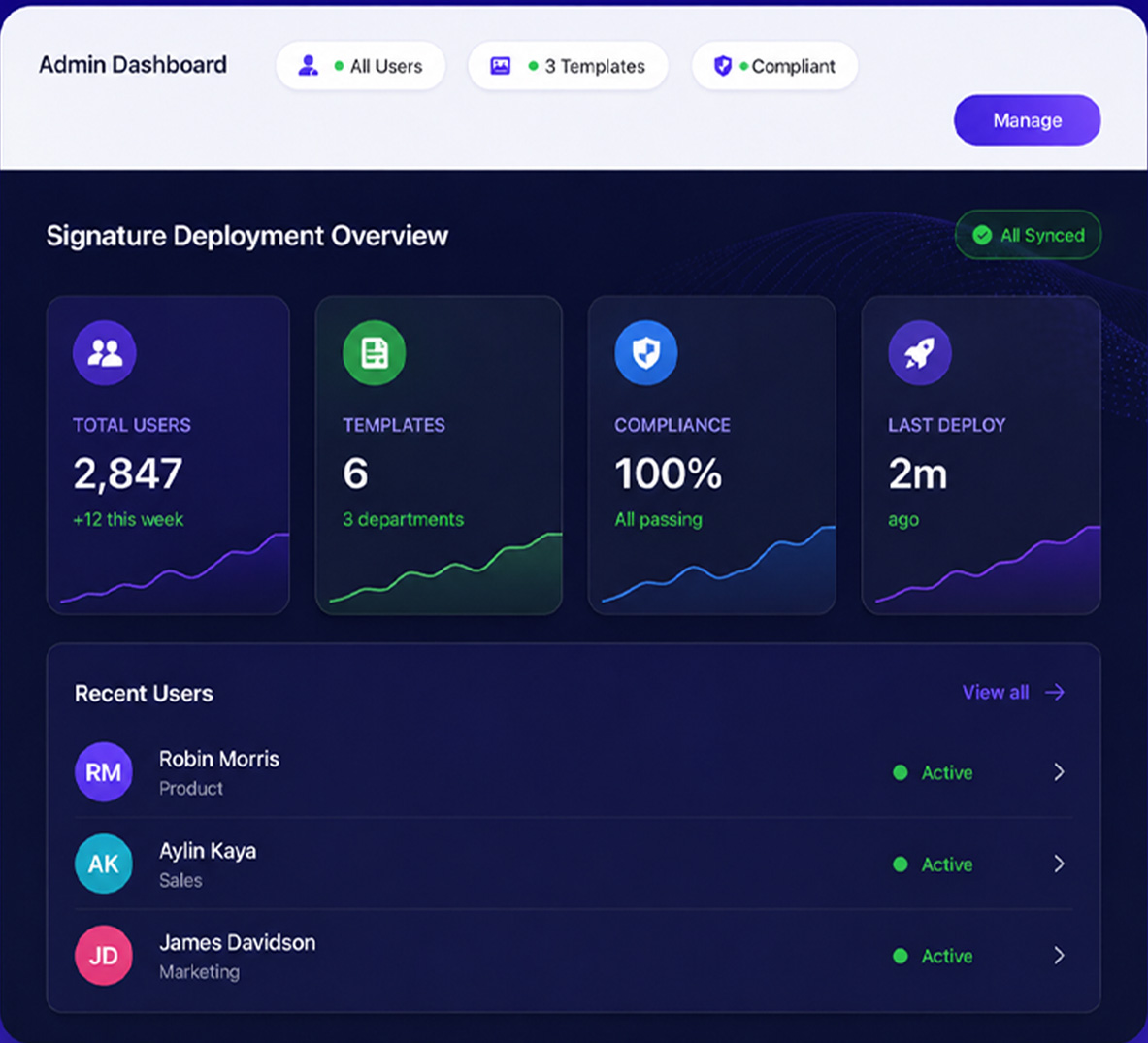
Deploy and manage email signatures across every user in your organization — without touching a single device. NextClaimer (E-Kache) gives IT teams a policy-driven rule engine, multi-server sync for Exchange environments, and built-in admin tools for installation, service monitoring, and message tracking. Cloud (Microsoft 365) and On-Prem (Exchange Server) deployments both supported. As user count grows, policy-driven management keeps complexity at bay.
Advanced Conditions, Smarter Control
The right signature, for the right person, at the right time.
NextClaimer (E-Kache) allows you to configure email signatures based on department, Active Directory group, user, or whether the email is internal or external. This gives you full flexibility to apply simple signatures for internal communication, and detailed, branded signatures for external emails—automatically and without user intervention.
Smart Signature Rules for Effortless Personalization
Set your rules once — NextClaimer (E-Kache) takes it from there. Dynamically assign email signatures based on Active Directory attributes, departments, or even email direction.
Template Flexibility by Team
Let every team express their style. Sales can showcase banners and promotions, while leadership maintains a clean, professional signature. All templates work in perfect harmony.
Centralized IT Control, Zero Hassle
Manage all signatures from a single dashboard. No client-side installs. No user confusion. Just consistent, compliant, company-wide signatures—every time.
Build & Grow with Scalable Tools
Get quick answers to the most common questions about our platform and services.
Yes, we offer a trial version that you can test for 15 days. By clicking the "Get Demo" button and filling out the required fields in the form that appears, you can try NextClaimer (E-Kache) for free.
No, you don't have to. We operate a centralized management system. You can automatically propagate the changes from the master server to the slave servers by clicking the "cache clear" button in the Settings tab. If you want the changes to be transmitted even faster, you can click the "syncNow" button on the slave server(s).
After installing the application, you need to restart your MsExchange Transport Service so that our NextClaimer agent can intercept at the transport level. You can easily restart it from the "Service Status" tab under Settings.
If your email signature contains an image and you created it as an inlineImage during design, the images in your signature are attached to the email as attachments to ensure they display in the email client. If you don't want this to happen, add the images in your signature template via a CDN path.
NextClaimer (E-Kache) Insights
Troubleshooting Common Email Signature Problems Made Simple.